From prototyping to production

Custom parts made around your design

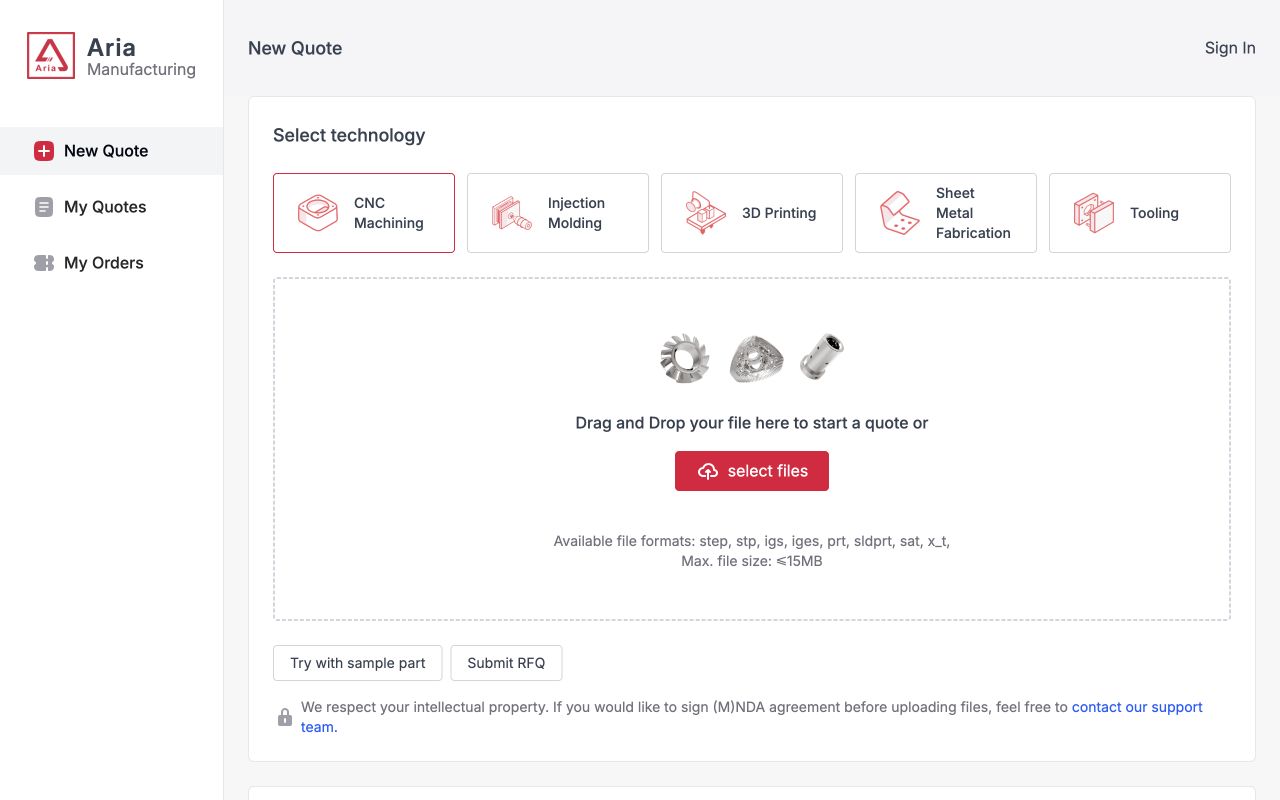
Upload your CAD files and drawings, then keep engineering review, manufacturing, inspection, and delivery connected around the same part.

From concept to production

See how a product moves toward manufacturing

Follow the checkpoints that connect design review, prototyping, process selection, inspection, and production readiness.

Third-party manufacturing reference video by RapidDirect on YouTube.
Start with your design

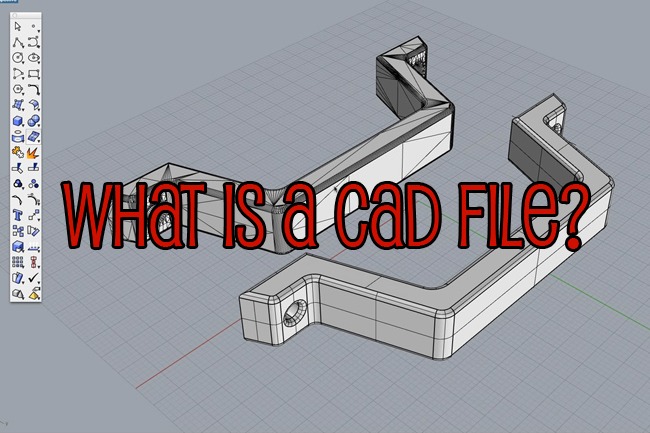
CAD files and design sources

Share the model and drawing that best communicate geometry and critical requirements. The formats below cover common native, exchange, mesh, and drawing inputs.

SolidWorksSLDPRT

Native part files commonly supplied from SolidWorks.

CATIACATPART · 3DXML

Native parts and lightweight 3D exchange files.

Autodesk InventorIPT

Native Inventor part files for manufacturing review.

Creo / Siemens NXPRT

PRT files from major parametric CAD systems.

Neutral CAD exchangeSTEP · STP · IGES

Portable solid-model formats for geometry review.

ParasolidX_T · X_B

Text and binary Parasolid exchange files.

Mesh and additiveSTL · 3MF

Mesh formats used for prototypes and additive workflows.

ACIS and drawingsSAT · DXF

Solid exchange and 2D drawing profiles.

One connected manufacturing project

Keep the decisions that affect the part visible

Connect the agreed design scope, engineering questions, production milestones, inspection requirements, and delivery records from the first review onward.

01

Design requirements

Models, drawings, quantities, tolerances, and critical features.

02

Engineering review

Manufacturability questions, clarifications, and approved changes.

03

Material and finish decisions

Approved grades, finishes, colors, and functional requirements.

04

Inspection planning

Critical dimensions, sampling, reports, and acceptance criteria.

05

Production status

Agreed milestones from release through inspection and completion.

06

Delivery coordination

Packaging, documents, shipment details, and repeat-order records.

How to work with MadeAria

A clearer path from CAD file to delivered parts

Each stage resolves the information needed for the next manufacturing decision.

01

Upload project files

Share the 3D model, 2D drawing, quantity, target material, finish, tolerance, and delivery requirements.

02

Review requirements

Resolve manufacturability, geometry, material, finish, tolerance, quality, and schedule questions with the engineering team.

03

Confirm the production plan

Agree on the manufacturing route, inspection plan, acceptance criteria, lead time, and order scope before release.

04

Manufacture and inspect

Track production milestones and inspect the critical features defined by the drawing and confirmed quality plan.

05

Finish and prepare delivery

Complete finishing, required assembly, final records, and protective packaging for the approved parts.

06

Deliver and prepare repeat orders

Coordinate shipment and retain the approved files, specifications, and production scope for future orders.

Inside manufacturing

Watch the processes behind the parts

Explore CNC machining, SLA 3D printing, and die casting through selected process videos.

Video source: RapidDirect

CNC machining project

See how a CNC machining project moves through production inside RapidDirect's machine shop.

Watch on YouTube
Video source: RapidDirect

SLA 3D printing project

Follow preparation, printing, finishing, and completed parts in an SLA production example.

Watch on YouTube
Video source: RapidDirect

Die casting process

See the major production stages used to turn molten metal into a finished die-cast component.

Watch on YouTube
New product development

Move each product decision closer to production

Connect design intent, prototype validation, tooling decisions, production readiness, and downstream delivery around one manufacturing scope.

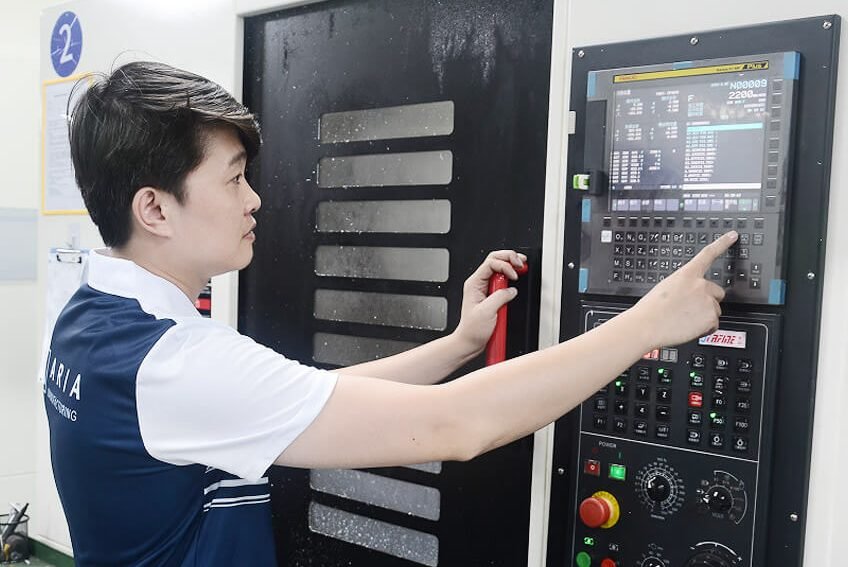
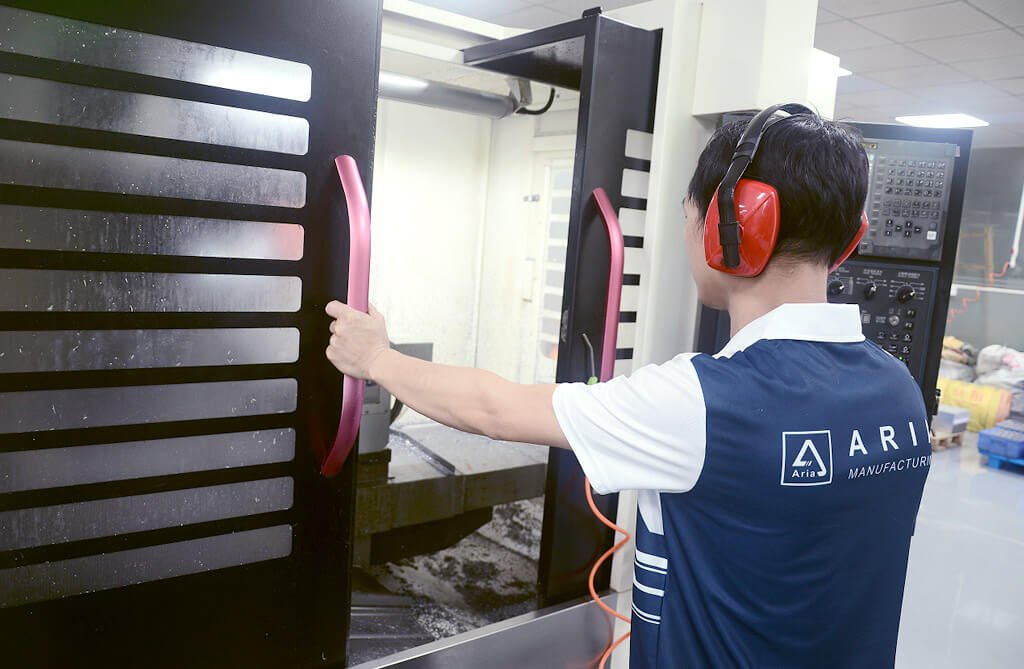
MadeAria CNC operator setting a machining center

Design and process planning

Turn geometry, material, finish, tolerance, quantity, and cost drivers into a manufacturable scope.

Complex gray 3D printed industrial housing

Prototype and validate quickly

Use machining, additive manufacturing, or bridge processes to review fit, function, appearance, and assembly.

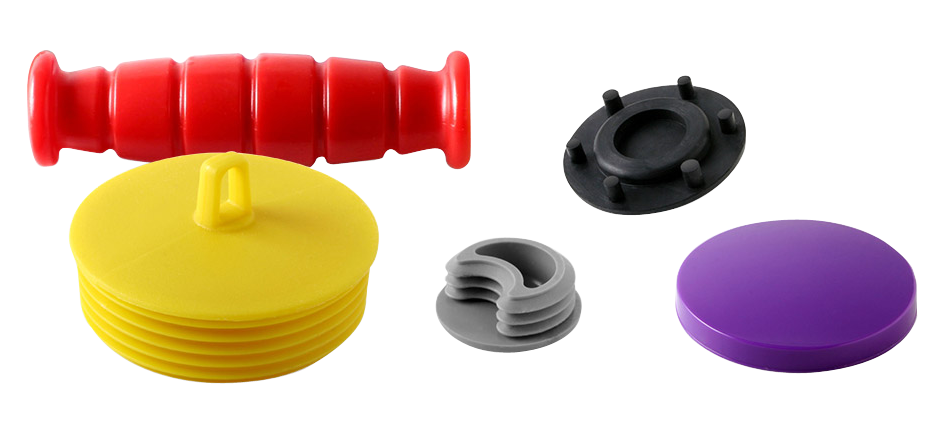
Custom injection molded plastic parts in several shapes

Tooling and production readiness

Resolve tooling, sampling, process, inspection, and acceptance requirements before scaling the order.

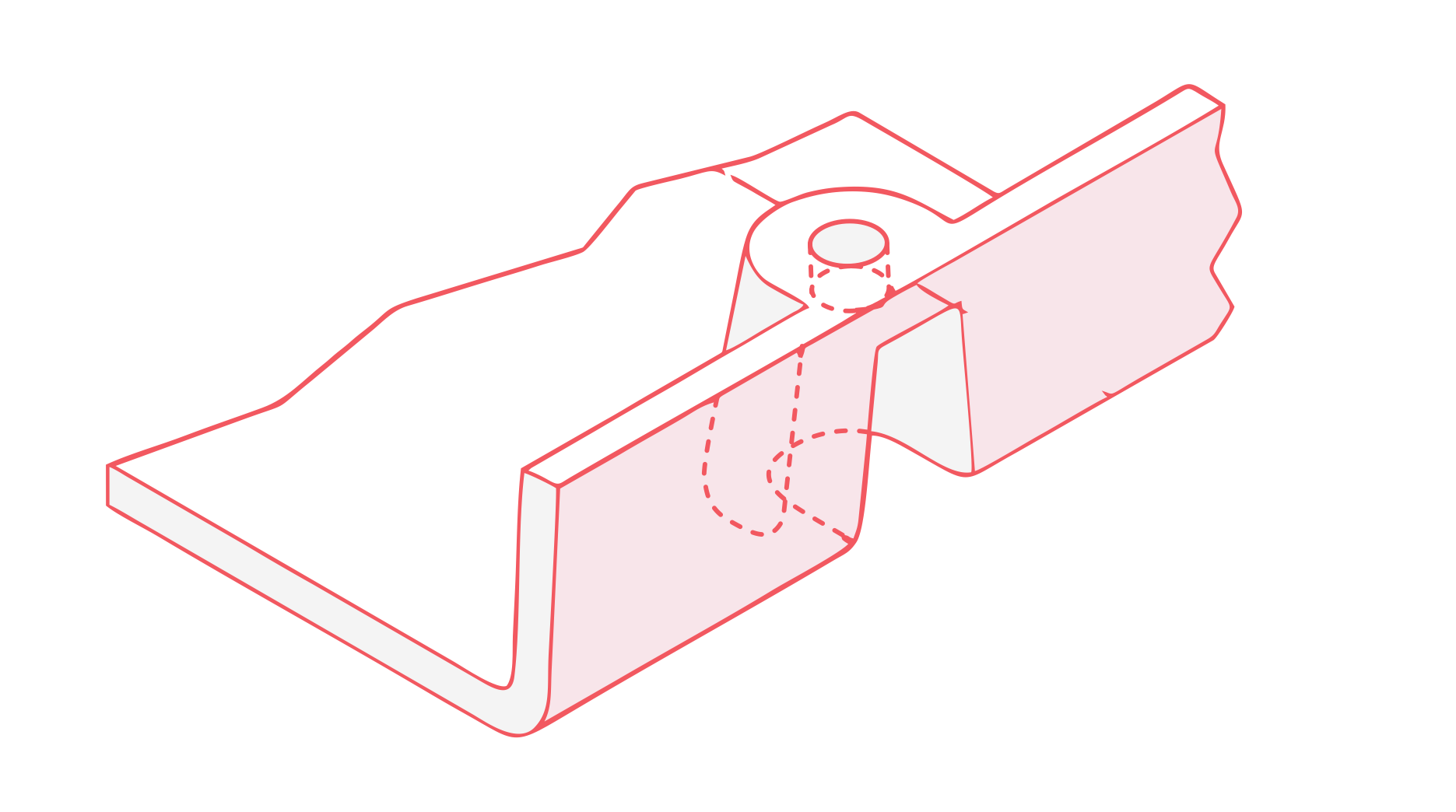
Formed sheet metal brackets with countersunk holes

Finishing, assembly, and delivery

Coordinate the downstream work that prepares separate manufactured parts for the next build stage.

Digital project control

A workspace built for custom manufacturing

Use one project flow for quotation, engineering questions, approvals, order progress, and agreed quality records.

Keep the files, confirmed requirements, production milestones, and inspection documents connected to the active manufacturing job.

Third-party manufacturing reference video by RapidDirect on YouTube.
Quality planning

Define quality before production starts

Connect drawing requirements, inspection planning, documentation, and acceptance criteria to the same manufacturing scope.

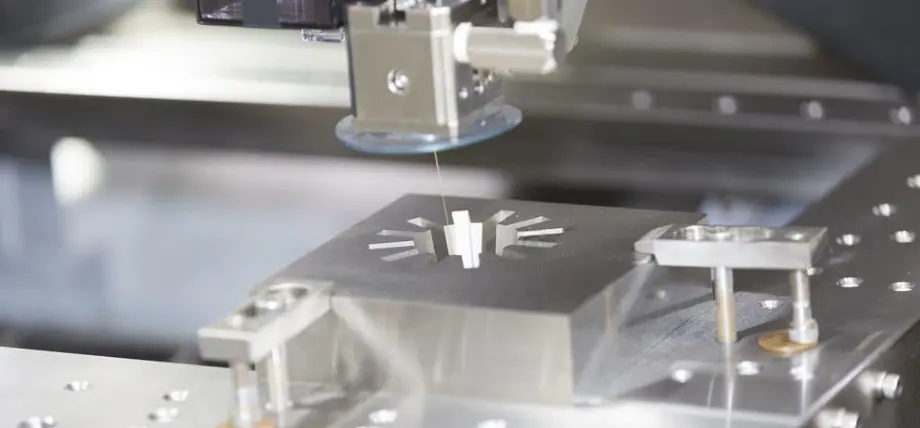
Precision EDM machining a metal workpiece

Drawing and acceptance requirements

Identify critical features, tolerances, cosmetic expectations, and the evidence required at delivery.

MadeAria operator carrying out in-process quality control

Inspection planning

Match measurement methods and sampling to the drawing, process, and agreed quality plan.

MadeAria CNC operator setting a machining center

Records connected to the order

Keep inspection and documentation requirements visible through production and completion.

Example manufacturing routes

See how part requirements shape the production plan

Two typical project paths show how geometry, process, tooling, inspection, and repeat-order needs fit together.

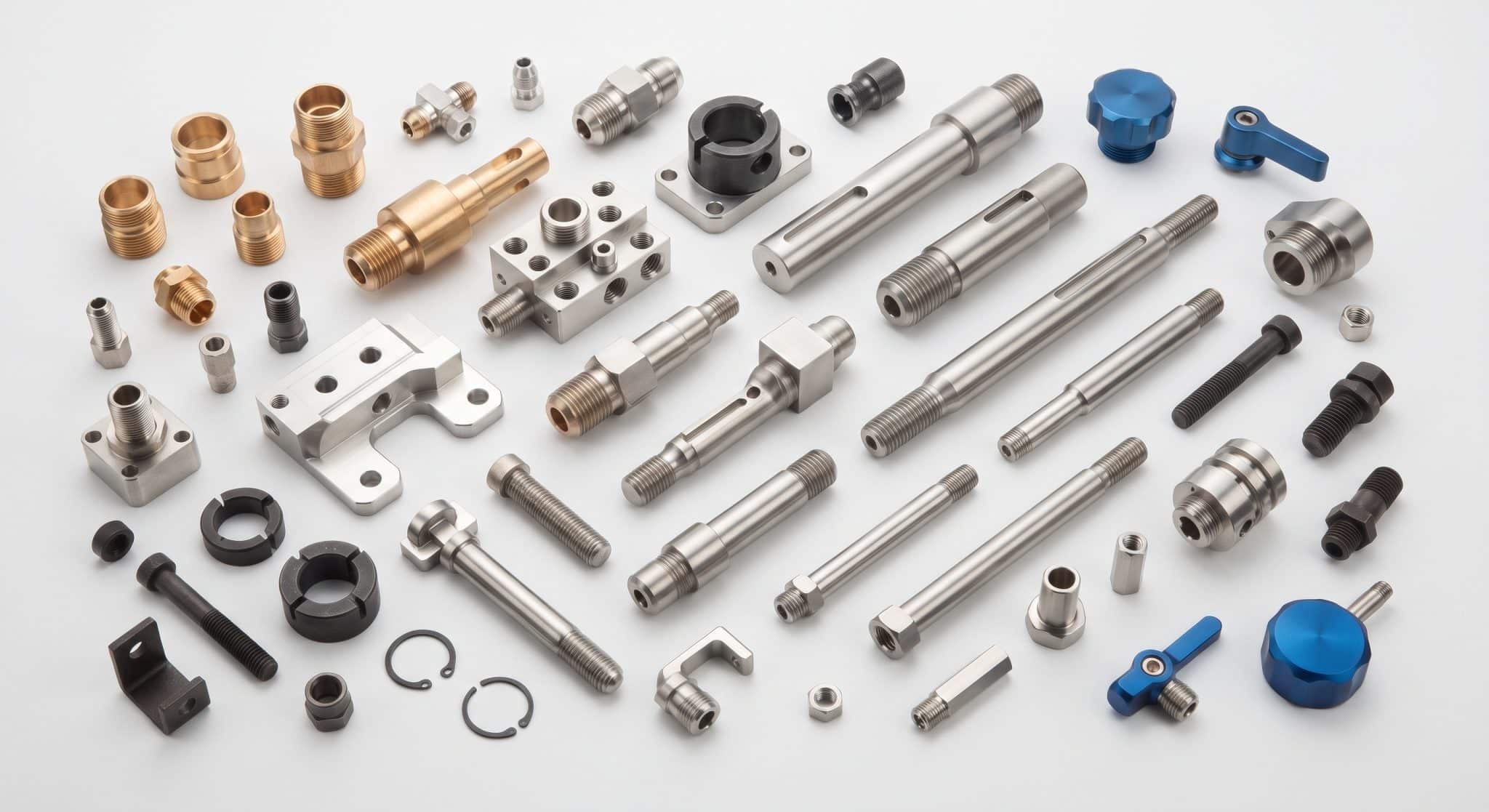
Precision turned metal components
Machining workflow example

Complex machined component

Review machining access, critical interfaces, tolerances, finish, inspection, and repeat-order requirements before production.

Black molded component with integrated brass inserts
Molding workflow example

Molded product launch

Move from part and tooling review through sampling, approval, inspection planning, and repeat molded production.

Consumer product landscape

Built for teams turning ambitious hardware into real products

From consumer electronics and energy products to robotics and mobility, product teams need a manufacturing path that can move from prototype to repeat production.

Anker SOLIXeufysoundcorePLAUDxToolUlikeJackeryRoborockDREAMEEcoFlowInsta360TCLBeatbotCASETiFYCrealityShokzSEGWAYrealme
Start with the part

Ready to move your design toward production?

Upload the CAD files, drawings, quantities, materials, finishes, tolerances, and quality requirements available today. We will use that scope to review the manufacturing route and clarify the next decisions.